Best Laptop Heatsink Options for Global Buyers?
In the competitive world of laptop manufacturing, effective thermal management is crucial. Laptop heatsink technology plays a vital role in maintaining optimal performance. According to a recent market analysis by Grand View Research, the global laptop market reached a valuation of over $100 billion in 2022. As power-hungry applications and gaming demand increase, so does the need for advanced cooling solutions.
The right laptop heatsink can prevent overheating, thereby extending the lifespan of the device. Cooling technologies have evolved, with heat pipes and advanced materials showing significant improvements in efficiency. For instance, a report from Research and Markets highlighted a 35% rise in demand for higher-performance heatsinks over the last two years. This indicates a growing awareness among consumers about the importance of effective cooling systems.
However, not all heatsink options are equal. Some may offer better thermal conductivity but compromise weight or size. Users must balance these trade-offs when choosing heatsinks. It’s essential to evaluate different options based on specific needs, whether for gaming, graphic design, or routine tasks. Finding the optimal laptop heatsink is not straightforward and requires careful consideration.
Advantages of Upgrading Laptop Heatsinks for Performance
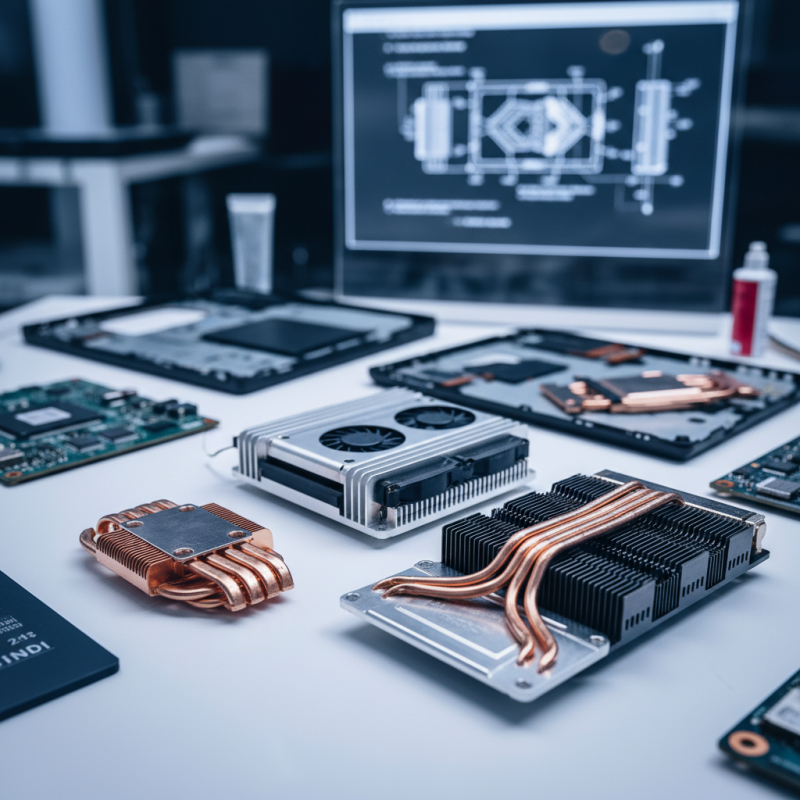
Upgrading laptop heatsinks can significantly boost performance. A better heatsink improves heat dissipation. This helps maintain optimal temperatures during heavy use. When the laptop stays cooler, it works more efficiently. You may notice faster processing speeds and longer battery life.
Many users underestimate the impact of inadequate cooling. A stock heatsink might struggle under heavy loads. This can lead to thermal throttling, where performance drops. Upgrading to a high-performance heatsink can mitigate this issue. It allows the system to operate at peak performance for extended periods.
While some may doubt the value of upgrading, the benefits are clear. Improved airflow and heat management can enhance longevity. A well-cooled laptop tends to have fewer component failures. However, consider the installation challenges and potential compatibility issues that arise. Research is essential before making changes.
Best Laptop Heatsink Options for Global Buyers
| Heatsink Material |
Cooling Efficiency |
Weight (g) |
Price Range (USD) |
Compatibility |
| Copper |
Excellent |
150 |
50 - 100 |
Most Laptops |
| Aluminum |
Good |
200 |
30 - 70 |
Gaming Laptops |
| Graphene |
Excellent |
120 |
100 - 200 |
High-Performance Laptops |
| Copper-Aluminum Mix |
Very Good |
175 |
40 - 90 |
Most Laptops |
| Plastic Composite |
Fair |
300 |
20 - 50 |
Low-End Laptops |
Types of Laptop Heatsinks: Passive vs. Active Cooling Solutions
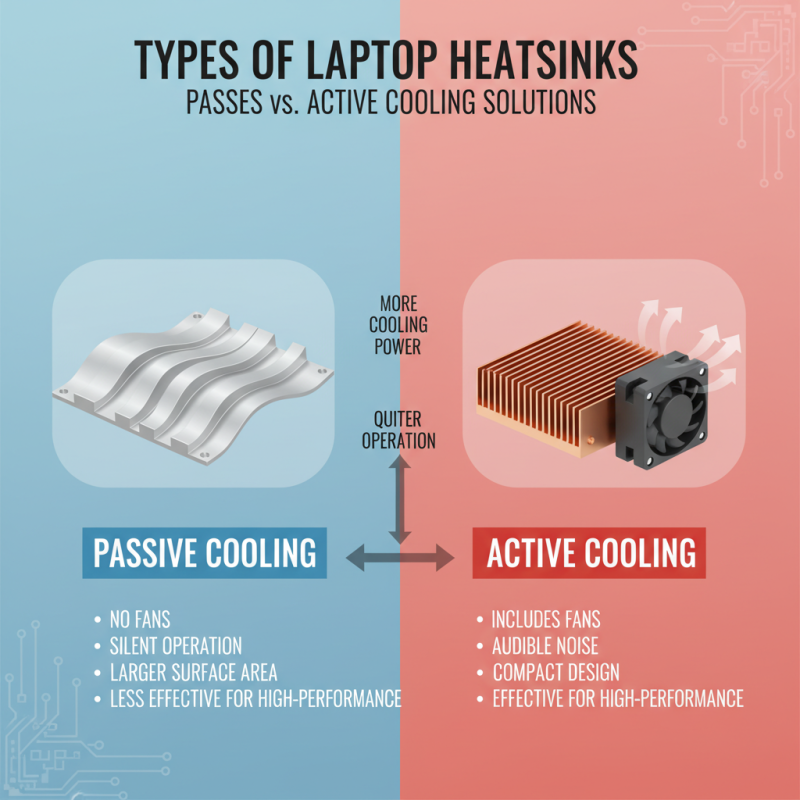
When it comes to laptop cooling, understanding the types of heatsinks is crucial. There are two main categories: passive and active cooling solutions. Passive cooling relies on materials that naturally dissipate heat. These heatsinks usually have larger surface areas and fins to enhance airflow without the need for fans. This solution is quieter, as it operates silently. However, it may not be as effective for high-performance laptops.
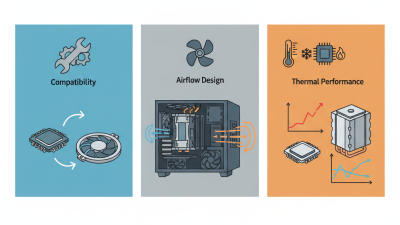
Active cooling, on the other hand, involves fans and other mechanical components to increase airflow. This method can efficiently manage higher temperatures, making it suitable for gaming or design laptops. Active cooling tends to be noisier and requires more power. The airflow created by fans can be beneficial but can also accumulate dust, obstructing airflow over time. Choosing the right solution depends on individual needs and usage patterns.
Both passive and active cooling solutions have their advantages and disadvantages. Passive heatsinks may not be sufficient for power-hungry applications. Active systems can cool better but may compromise long-term reliability. It's essential to consider how your laptop is used regularly before deciding on a heatsinking solution. Understanding these differences can lead to better performance and longevity of your device.
Top Brands and Models for Laptop Heatsink Options Worldwide
When choosing a laptop heatsink, it’s essential to consider various factors. Different brands and models cater to distinct needs. Some options excel in cooling performance, while others focus on compact designs. Understanding your laptop's specifications is crucial.
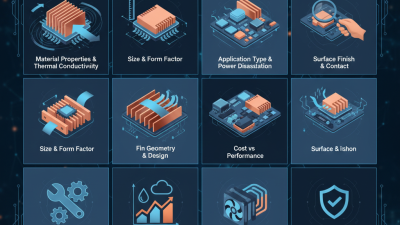
High-quality heatsinks often feature copper or aluminum construction. Copper conducts heat better, making it a preferred material. However, aluminum is lighter and may be suitable for portable devices. Brands that prioritize thermal efficiency often integrate innovative designs to enhance airflow. Think about your typical usage. If you run demanding applications, a robust heatsink is vital.
Many users overlook compatibility. Not every heatsink fits all laptops. It’s imperative to check dimensions and mounting options. Some users may find that the cooling performance does not meet expectations. This can lead to overheating issues in extreme cases. Regular maintenance, such as cleaning dust buildup, can also improve efficiency. Balancing performance, design, and compatibility will lead to better choices.
Installation Guide: How to Replace Your Laptop's Heatsink
Replacing a laptop's heatsink can be tricky but necessary for improving performance. Overheating can lead to hardware failures and slowdowns. Proper installation is key to ensure your laptop runs smoothly. First, gather essential tools: a screwdriver, thermal paste, and an anti-static wrist strap.
Begin by powering off the laptop and disconnecting it from any power source. Open the laptop casing carefully, following the manufacturer’s guidance if available. Locate the heatsink, usually attached to the CPU and GPU. Unscrew it gently to avoid damaging any components. You might encounter some resistance due to old thermal paste.
Remove any old thermal paste with isopropyl alcohol. This step is critical for effective heat transfer. Apply a small amount of fresh thermal paste to the CPU and GPU. This ensures optimal performance. Replace the heatsink and secure it tightly, making sure there are no gaps. Reassemble the laptop and power it on. Monitor the temperatures. If issues persist, you may need to rethink your installation approach. Taking time to reflect on each step can save future headaches.
Best Laptop Heatsink Options Comparison
Maintenance Tips for Optimizing Laptop Heatsink Efficiency
Maintaining an optimal heatsink in your laptop is crucial for efficient performance. In a recent study by TechRadar, it was found that laptops can overheat by up to 20% under heavy load without proper cooling. Regular maintenance can prevent these issues and extend the lifespan of the device.
Start by cleaning the vents and fans. Dust buildup can hinder airflow. Using compressed air is an effective way to remove debris. This simple step can reduce overheating problems significantly. A clean heatsink operates more efficiently, providing better thermal dissipation. Some experts recommend doing this every few months, especially in dust-prone environments.
Thermal paste is another key factor. Over time, thermal paste can dry out, leading to inefficient heat transfer. According to a report by HardwareCycle, replacing thermal paste every 1-2 years can improve heat conductivity by as much as 50%. Be cautious when applying new paste; too much can be as problematic as too little. Regular checks of your heatsink's condition can ensure a cooler, more reliable laptop experience.





 Mr. Perry Wu International Sales Director