How to Choose the Best CPU Heat Sink for Your Needs?
Choosing the right CPU heat sink is crucial for optimal computer performance. A quality CPU heat sink keeps your processor cool, preventing overheating. This is essential for maintaining system stability and longevity. However, with so many options available, selecting the best one can be challenging.
Understanding your specific needs will guide your decision. Factors like the size of your case, your CPU's thermal design power (TDP), and your cooling preferences matter. For gamers and heavy users, an efficient CPU heat sink is key to avoiding thermal throttling during intense tasks.
Some individuals overlook the importance of noise levels. A powerful cooler may produce unwanted noise. It's vital to find a balance between cooling efficiency and acoustics. Quality reviews and expert recommendations can also help simplify your choice. Don't rush, and take your time to reflect on your requirements before making a decision.
Understanding CPU Heat Sinks: An Overview of Their Functionality
When selecting a CPU heat sink, it's important to understand its functionality. A heat sink transfers heat away from the CPU, ensuring optimal performance. It does this through thermal conduction. The better the heat sink, the more efficiently it cools the CPU.
Different designs affect cooling efficiency. For example, some heat sinks use a simple fin design, while others incorporate heat pipes for enhanced cooling. Material choices also play a role; aluminum and copper are common for their good thermal conductivity. It's crucial to consider the heat sink's compatibility with your CPU socket.
Not all heat sinks are created equal. Some may be bulky and difficult to fit in smaller cases. Others may lack adequate cooling power, risking CPU damage. Evaluating your cooling needs is essential. Users should be mindful of noise levels, too. Quieter fans can improve your overall computing experience.
Types of CPU Heat Sinks: Air vs. Liquid Cooling Options
When considering CPU heat sinks, the choice between
air cooling and
liquid cooling is crucial.
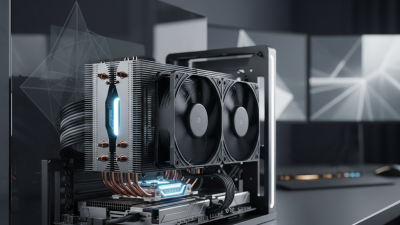
Air coolers are generally easier to install and maintain. They use fans and heat sinks to dissipate heat.
These systems can be quite efficient for most users. Proper airflow is essential for optimal performance.
However, they might struggle in overclocked setups.
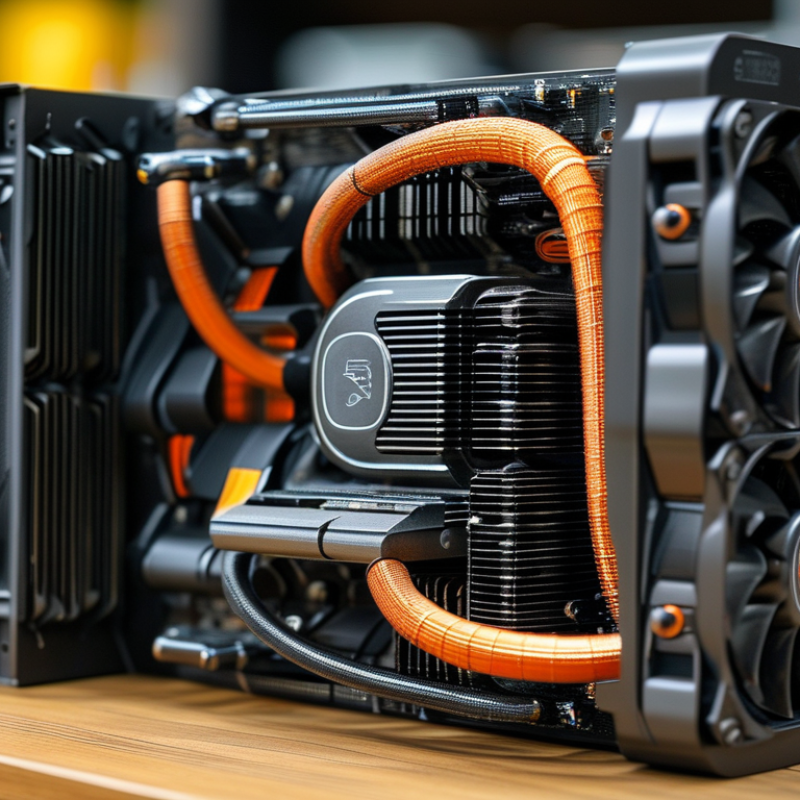
Liquid coolers, on the other hand, use a liquid coolant to transfer heat away from the CPU.
They tend to offer superior cooling performance, especially in high-demand situations.
Installation can be complex, involving mounting brackets and tubing. But, they create less noise compared to air coolers.
A downside is the potential for leaks, which could damage components.
Tips: Always check compatibility with your case and motherboard. Measure clearance before purchasing.
Ensure you have enough space and proper airflow. Consider your noise tolerance and aesthetic preferences as well.
It’s wise to read reviews and seek expert opinions. Each system has its pros and cons.
Take time to find the right balance for your setup.
Key Factors to Consider When Selecting a CPU Heat Sink
When selecting a CPU heat sink, several key factors should be prioritized to ensure optimal performance.
One of the most important considerations is thermal conductivity.
Look for materials that efficiently transfer heat away from the CPU.
Copper typically offers better performance than aluminum, but it may be heavier.
Pay attention to the design and shape of the heat sink as well.
A more extensive surface area can enhance airflow and cooling efficiency.
Compatibility is another critical factor.
Ensure that the heat sink fits your CPU socket type.
Different CPU models have specific requirements.
Additionally, consider the cooling capacity.
A heat sink rated at a higher wattage can handle overclocked CPUs better, reducing the risk of overheating.
Noise levels from fans are also worth noting.
Some users prefer quieter models to minimize distractions.
Not all solutions are perfect.
While a larger heat sink may provide better cooling, it might not fit in all cases.
Space constraints in smaller builds can limit your options.
Aesthetics may also play a role for some users, leading them to overlook cooling performance.
Balancing performance, size, and visual appeal can be challenging, but thoughtful selection can lead to a more effective cooling solution.
Compatibility with Your CPU: Socket Types and Sizes Explained
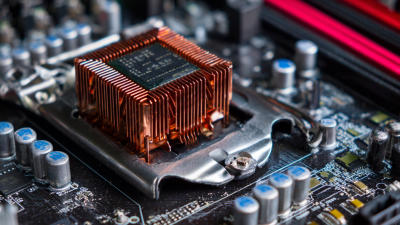
Choosing the right CPU heat sink is essential for maintaining optimal performance. When considering compatibility, it's crucial to understand socket types and sizes. Different CPUs utilize various socket designs, such as LGA, PGA, and BGA. Each has unique dimensions that affect the fit of the heat sink. A recent industry report highlighted that improper fitting can lead to inadequate thermal management, resulting in decreased processor performance.
Pay attention to the CPU specifications listed by the manufacturer. Socket types dictate not only the physical fit but also the heat sink mounting methods. For instance, LGA sockets have pins on the motherboard, while PGA sockets feature pins on the CPU. It's vital to select a heat sink designed specifically for your CPU's socket type. Incompatibility can lead to issues like overheating or system instability.
Tips: Always check thermal requirements. Ensure your chosen heat sink can handle the thermal output of your CPU. Additionally, consider the dimensions of your case. A large heat sink might restrict airflow, leading to potential cooling issues. Regularly assess engine temperatures to ensure reliability over time.
Performance Metrics: Evaluating Heat Dissipation and Noise Levels
When selecting a CPU heat sink, two primary metrics need attention: heat dissipation and noise levels. Effective heat dissipation ensures that your CPU maintains optimal operating temperatures. It’s crucial to check the heat sink's thermal conductivity ratings. A high rating often indicates better performance. Additionally, the overall design, including the size and material, plays a role in how efficiently heat is transported away from the CPU.
Noise levels are another vital consideration, especially for users who desire a quiet computing environment. Many heat sinks come with fans that can generate varying sound levels. Noise can be measured in decibels. A heat sink with a lower dB rating is generally quieter. However, lower noise often correlates with larger or more expensive models. Users should assess their own balance between sound and performance needs.
It’s worth experimenting with different heat sinks to find the best fit. What works for one system may not work for another. It's acceptable to find yourself dissatisfied with the first choice you make. Different setups require different approaches. Keep in mind how much space you have in your case, and whether aesthetics matter to you. Performance metrics can vary significantly based on how you intend to use your system.
How to Choose the Best CPU Heat Sink for Your Needs?
| Heat Sink Model |
Material |
Heat Dissipation (W) |
Noise Level (dB) |
Dimensions (mm) |
Weight (g) |
| Model A |
Aluminum |
150 |
25 |
120 x 80 x 60 |
500 |
| Model B |
Copper |
200 |
30 |
140 x 90 x 70 |
600 |
| Model C |
Copper-Aluminum |
180 |
22 |
130 x 85 x 65 |
550 |
| Model D |
Aluminum |
160 |
28 |
120 x 75 x 55 |
520 |







 Mr. Perry Wu International Sales Director