Why Do You Need a Ram Heatsink for Your Computer System?
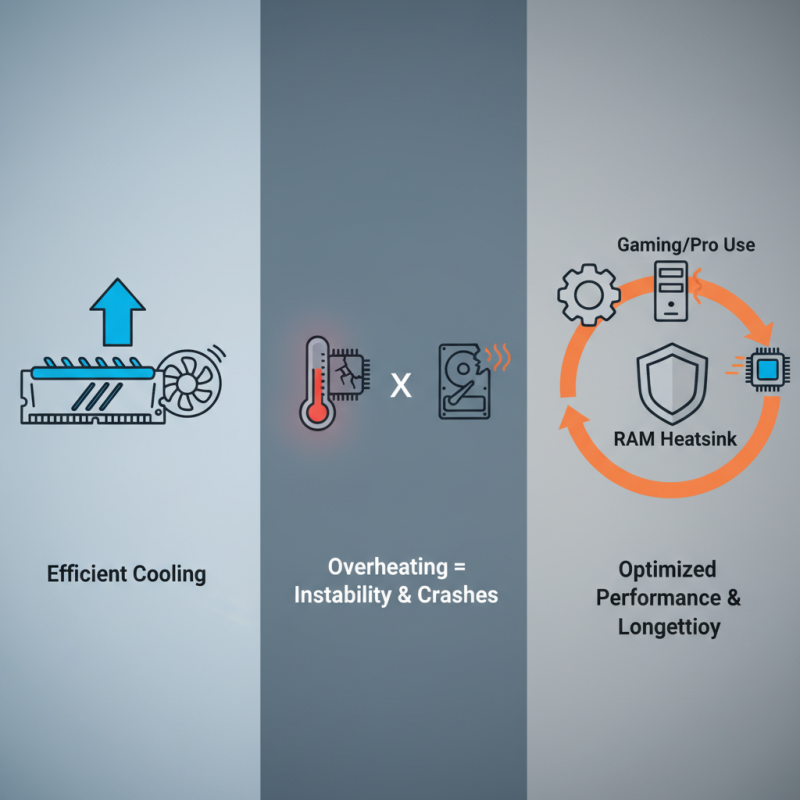
In today's digital age, efficient cooling is vital for computer systems. One of the key components in achieving optimal performance is the **Ram Heatsink**. This device manages heat generated by RAM modules during intense computing tasks. Without adequate cooling, RAM can overheat, leading to instability and system crashes.
The importance of a Ram Heatsink cannot be overstated. It helps maintain a stable temperature, ensuring data integrity and prolonging the lifespan of your components. Many forget that as systems evolve, so do their cooling needs. Gamers and professionals often push their systems to the limit. Overheating becomes a real threat without proper cooling solutions.
Yet, not every user considers the necessity of a Ram Heatsink. Some prioritize other upgrades, overlooking this critical aspect. This could lead to frustration and diminished performance in the long run. Reflecting on our choices is essential. Are we investing enough in proper cooling? The answer may affect the overall efficiency of our computer systems.
What is a RAM Heatsink and How Does It Work?
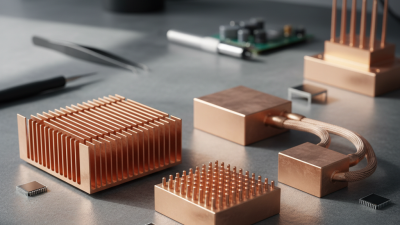
A RAM heatsink is a crucial component for maintaining the performance of your computer system. It is a metal block placed on top of the RAM modules. Its primary function is to dissipate heat generated during operation. When RAM modules heat up, they can throttle or degrade performance. This is where a heatsink plays a vital role.
Heatsinks increase surface area, enhancing airflow. This improved airflow helps to prevent overheating. Understanding how heatsinks work can make a difference in system stability.
Tip: Ensure that your RAM has enough space around it for proper airflow. If you install a heatsink, avoid obstructing nearby components.
The efficiency of a heatsink can vary. Not all heatsinks are the same, and their performance may differ under various conditions. Some systems may need more cooling than others. Always check temperatures after installation to ensure effectiveness.
Tip: Regularly monitor your system's performance. If you notice thermal throttling, it might be time to reconsider your cooling solutions.
The Importance of Cooling in Computer Performance
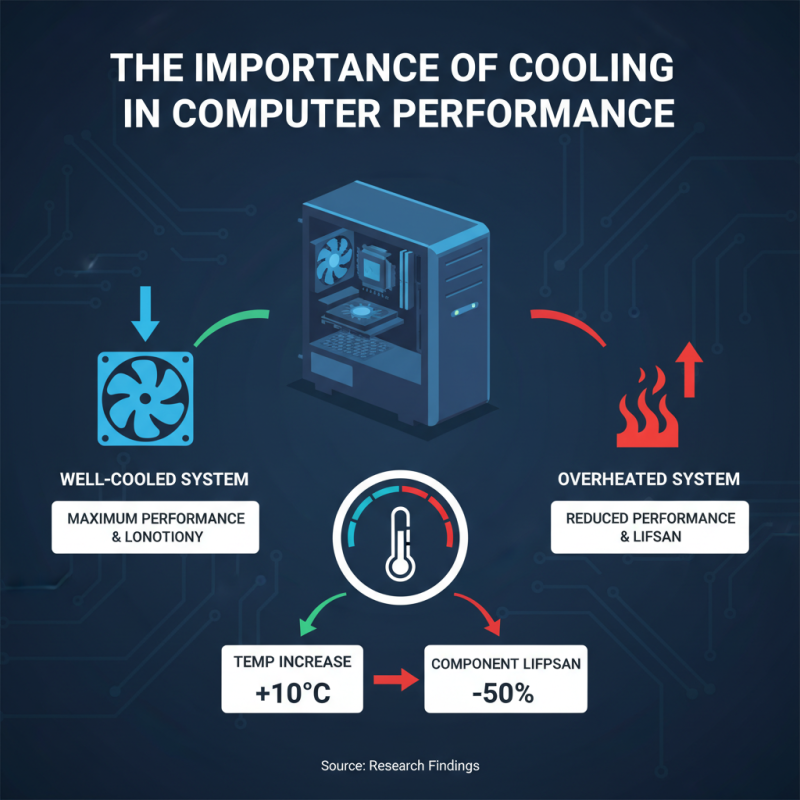
Cooling is crucial for maximizing computer performance. A well-cooled system performs better than an overheated one. Research indicates that a temperature increase of just 10 degrees Celsius can reduce component lifespan by 50%. This emphasizes the need for effective cooling solutions in computers.
RAM generates heat during extensive tasks like gaming or data processing. Without proper heat dissipation, overheating can cause slowdowns or crashes. A heatsink helps manage this heat. It increases surface area for better heat transfer, ensuring RAM operates efficiently. Data shows that systems with adequate cooling can maintain a 20% boost in performance.
Ignoring cooling solutions may lead to performance issues. Some users may underestimate heat’s impact. Inadequate cooling can cause instability and affect overall user experience. A well-designed heatsink can mitigate these problems. Proper airflow, combined with a heatsink, provides a pathway for heat to escape, preventing thermal throttling.
Signs That Your RAM Needs Effective Cooling
When it comes to RAM cooling, effective management is essential. If your system experiences frequent crashes, this may indicate overheating. High temperatures can cause data corruption and instability. Watch for lagging performance, especially during demanding tasks. A RAM heatsink can help alleviate these issues by dissipating heat more efficiently.
Another sign of inadequate cooling is excessive noise from fans running at full speed. This may suggest that your RAM is struggling to maintain optimal temperatures. If your motherboard has overheating alerts, pay attention. Ignoring these warnings can lead to long-term damage. Not everyone considers RAM heatsinks, but they're crucial for stability and longevity.
Many users overlook the importance of cooling. Some may rely solely on case fans, which might not be enough. Effective cooling helps maintain consistent performance during resource-intensive tasks. Investing in a RAM heatsink can prevent potential issues before they arise. Remember, a little proactive maintenance goes a long way.
Why Do You Need a Ram Heatsink for Your Computer System? - Signs That Your RAM Needs Effective Cooling
| Dimension |
Description |
Signs of Overheating |
Recommended Cooling Solution |
| Temperature Range |
Optimal RAM temperature for performance |
Frequent crashes or freezes |
Aftermarket RAM heatsink |
| Performance Drop |
Noticeable lag in demanding applications |
Inconsistent benchmark scores |
Active cooling fans |
| System Instability |
Random blue screens or restarts |
Increased error messages |
Heatspreaders and thermal paste |
| Usage Duration |
Extended gaming or productivity sessions |
Excessive heat near RAM |
Enhanced cooling modules |
| Physical Condition |
Check for dust build-up and damage |
Overheating during regular tasks |
Regular dust cleaning and airflow checks |
Different Types of RAM Heatsinks Available
When it comes to cooling computer components, RAM heatsinks play a vital role. They help keep RAM modules cool during heavy workloads, which can enhance performance and improve system stability. Several types of RAM heatsinks are available to cater to different needs.
One common type is the passive heatsink. This option relies on conduction to dissipate heat. It usually doesn’t have fans. While it’s simple and effective, it may not be sufficient for overclocked systems. Another option is the active heatsink. This type includes a fan, providing improved airflow. It’s particularly useful in high-performance environments.
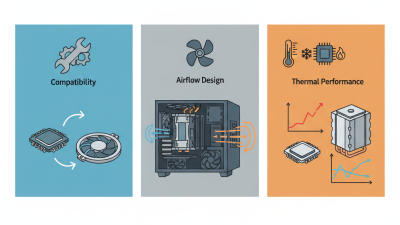
Tips: Always check compatibility before buying a heatsink. Some may not fit well with other components. Also, consider the aesthetics of your build. Stylish heatsinks can enhance the look of your setup.
Another type to consider is the modular heatsink. These heatsinks often have customizable designs. They can fit various RAM setups as systems evolve. However, assembling these can be tricky for beginners.
Cooling efficiency matters. Higher temperatures can lead to reduced RAM lifespan. Investing in a good heatsink can save you money in the long run. Make your RAM setup robust and stylish with the right heatsink choice.
Installation Tips for RAM Heatsinks in Desktop Systems
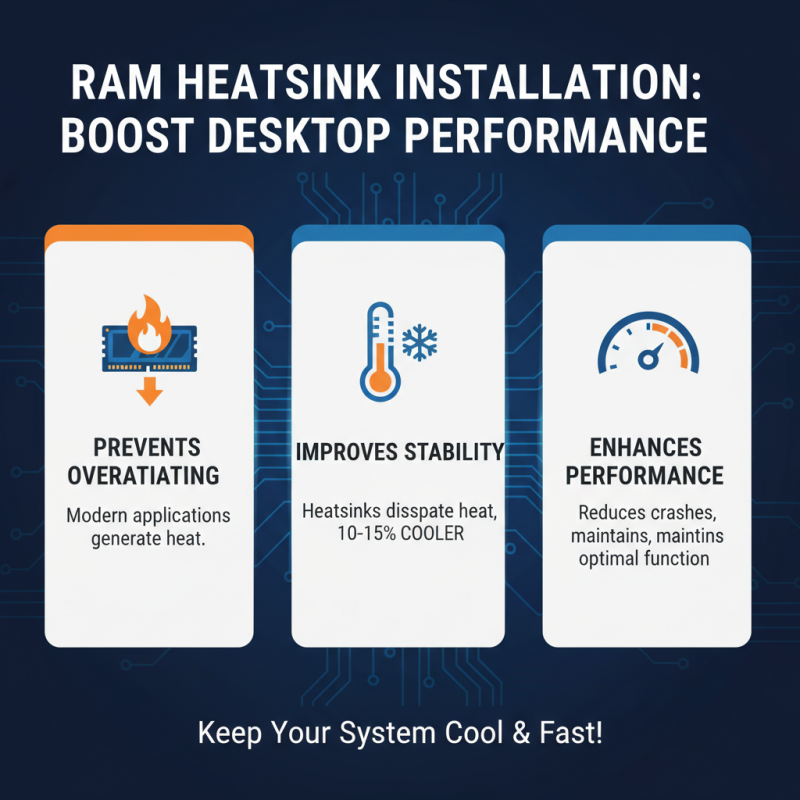
Installing a RAM heatsink can significantly enhance your computer's performance. Due to the increasing demand for more powerful applications, the heat generated by RAM modules has become a concern. Studies indicate that overheating can lead to decreased performance and system crashes. A RAM heatsink helps dissipate this heat, allowing your system to maintain optimal function. According to a recent thermal analysis report, systems with heatsinks can run 10-15% cooler compared to those without.
When installing RAM heatsinks, ensure a clean workspace. Dust and debris can hinder thermal conductivity. Use thermal paste if necessary. Spread it evenly on the RAM module before positioning the heatsink. This layer helps transfer heat away from the RAM efficiently. Keep in mind that not all heatsinks fit every RAM. Check compatibility before purchasing. In some cases, the size of the heatsink may obstruct other components.
Pay attention to airflow in your system. Good case ventilation can complement the efforts of your RAM heatsink. Ensure fans are properly oriented to promote airflow. However, it’s crucial to avoid noisy fans, as they can be disruptive. Regularly monitor temperatures for any unexpected increases. Persistent heat may indicate issues needing immediate attention.





 Mr. Perry Wu International Sales Director