2026 How to Choose the Best PC Cooler for Optimal Performance
Choosing the right PC cooler is crucial for your computer's performance. A suitable PC cooler can drastically lower temperatures, ensuring stable operation. It helps prevent overheating, which is vital for longevity.
There are many options available, each with its strengths and weaknesses. Air coolers are reliable and relatively inexpensive. Liquid coolers offer superior performance but can be more complex to install. Finding the right balance can be challenging.
Consider factors like noise level, size, and cooling efficiency. Your PC's components also influence the decision. Reflect on your specific needs and how the cooler will fit your build. Making an informed choice requires careful thought and research. Ultimately, the right PC cooler can enhance your system's functionality and longevity.
Understanding the Importance of PC Cooling Solutions for Performance
Effective cooling solutions are a cornerstone of PC performance. Proper temperature management ensures the longevity and efficiency of components. A study from PC Hardware Trends indicates that overheating can reduce performance by up to 25%. That’s a significant hit for gamers and professionals alike. Low temperatures allow for higher clock speeds, boosting overall system output.
Many users overlook how crucial airflow is. An optimal fan configuration can greatly improve thermal dynamics. The airflow must be directed efficiently through the case. Poorly organized cables can obstruct this flow, leading to hot spots. A report by Thermal Management Insights cited that systems with good airflow have lower temperatures by as much as 15%. Addressing these small details can lead to substantial performance gains.
Choosing the right cooler requires careful consideration. Air coolers are cost-effective but may struggle under heavy loads. Liquid coolers, while pricier, often provide better performance. However, they introduce complexity regarding installation and maintenance. Balancing performance, noise levels, and budget is challenging. Enthusiasts often must weigh their options to find an ideal mix that meets their specific needs.
Types of PC Coolers: Air Cooling vs. Liquid Cooling
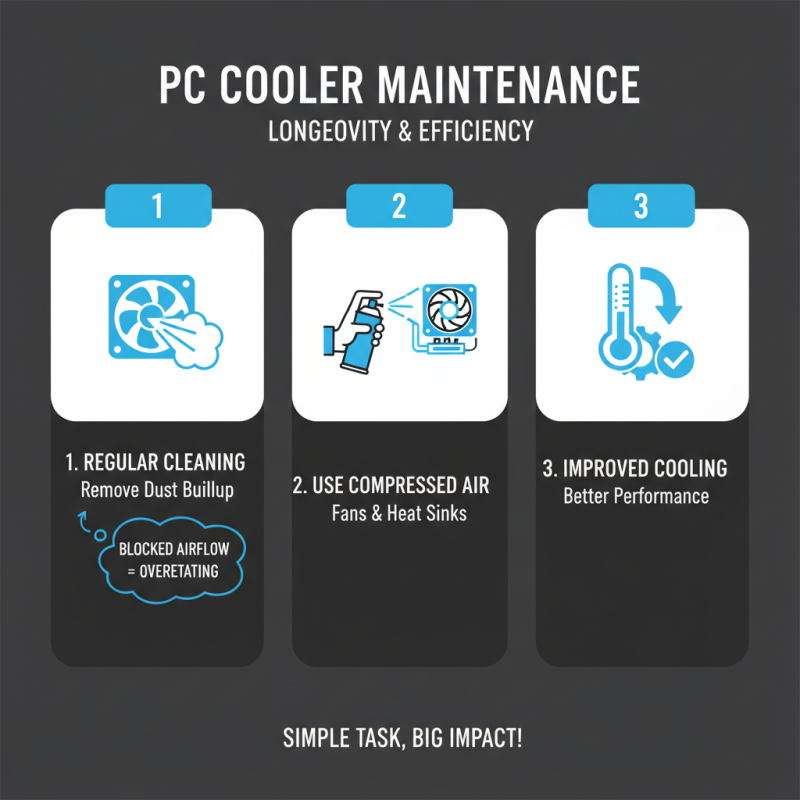
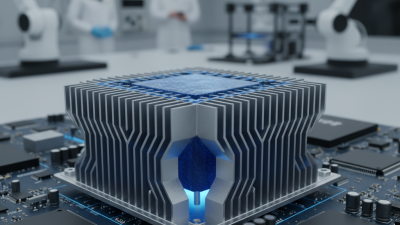
When it comes to cooling your PC, choosing between air cooling and liquid cooling is crucial. Air coolers use fans and heatsinks to dissipate heat. They tend to be more affordable and easier to install. However, they may struggle with efficiency in high-performance setups. Dust accumulation can also reduce their effectiveness over time, warranting regular maintenance.
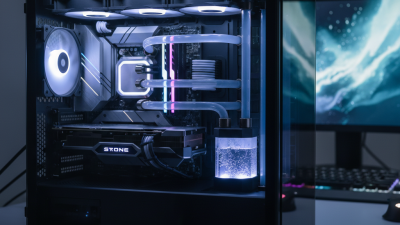
Liquid coolers use coolant to transfer heat away from components. They can provide better thermal performance and are often quieter. However, they involve more complex installation processes. The risk of leaks poses a potential concern, which can damage other hardware. Choosing liquid cooling comes with its own set of challenges and uncertainties that must be navigated.
In your decision-making process, consider your specific needs. Think about the type of applications you run. Do you push your CPU to its limits? If so, liquid cooling might be your best bet. However, if you're a casual user, air cooling might suffice. Weighing these options carefully will help you find the right cooler for your setup.
2026 How to Choose the Best PC Cooler for Optimal Performance
| Type of Cooler |
Cooling Efficiency |
Noise Level |
Cost |
Installation Difficulty |
| Air Cooling |
Moderate |
Low |
$30 - $100 |
Easy |
| Liquid Cooling |
High |
Moderate |
$70 - $200 |
Moderate to Hard |
| All-in-One Liquid Cooling |
Very High |
Moderate |
$100 - $250 |
Easy |
| Custom Liquid Cooling |
Highest |
Low |
$150 - $400+ |
Hard |
Factors to Consider When Choosing a PC Cooler
Choosing the right PC cooler can significantly enhance your system's performance. When selecting, consider several factors like CPU type, cooling method, and case size. Each component plays a role in thermal management. Air coolers are popular for their simplicity. Liquid coolers provide superior heat dissipation. However, they tend to be more complex to install.
Think about noise levels as well. Some coolers operate quietly, while others might be loud during peak performance. User reviews can provide insights into these aspects. Checking thermal performance ratings helps in making a more informed choice. A cooler that runs efficiently can prolong your CPU's lifespan.
It’s essential to match the cooler to your system's needs. Measure your case dimensions. Compatibility is crucial to avoid potential issues. Sometimes, a cooler may seem ideal but won’t fit your setup effectively. Don't overlook the ease of installation. A complicated setup can lead to frustration and installation errors.
Evaluating Cooler Size and Compatibility with Your Builds
When selecting a PC cooler, size and compatibility are critical factors. Measure your case dimensions first. Ensure that the cooler fits within the allotted space. Some coolers are larger than they appear. This can lead to overheating if not installed correctly.
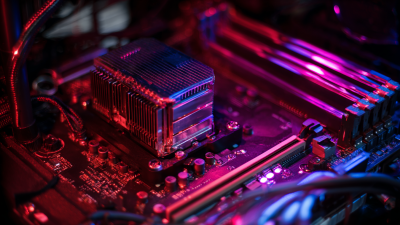
Consider your motherboard layout. Certain coolers may obstruct RAM slots or PCIe slots. Check the cooler's height against your RAM. It's frustrating when a cooler overlaps essential components.
Tips: Always verify official specifications before purchasing. Read user reviews to avoid compatibility issues. Prioritize coolers with good airflow design. Remember that noise levels also matter. A powerful cooler can be noisy, disrupting your setup.
Be mindful of your future upgrades. A cooler may fit now but could limit future component choices. Think ahead to maintain optimal performance. It's better to spend a bit more for long-term reliability.




 Mr. Perry Wu International Sales Director