Best Laptop Heatsink Options for Efficient Cooling Solutions?
In today's fast-paced digital world, ensuring optimal performance is crucial for laptops. One essential component that plays a pivotal role in achieving this is the laptop heatsink. A laptop heatsink effectively dissipates heat generated by the processor and other components. This prevents overheating, ultimately prolonging the lifespan of the device.
Selecting the right heatsink can be challenging. The market offers various options with differing designs and efficiencies. Many users might overlook the importance of this component. Without proper cooling, laptops can slow down, leading to frustrating experiences. Heat buildup can also cause hardware damage over time.
Research shows that efficient cooling solutions contribute significantly to performance enhancement. A reliable laptop heatsink not only maintains optimal temperatures but also improves overall system stability. Thus, understanding the various options available is vital for users looking to maximize their laptop's potential. Exploring the best laptop heatsink options can transform the way you use your device, blending performance with longevity.
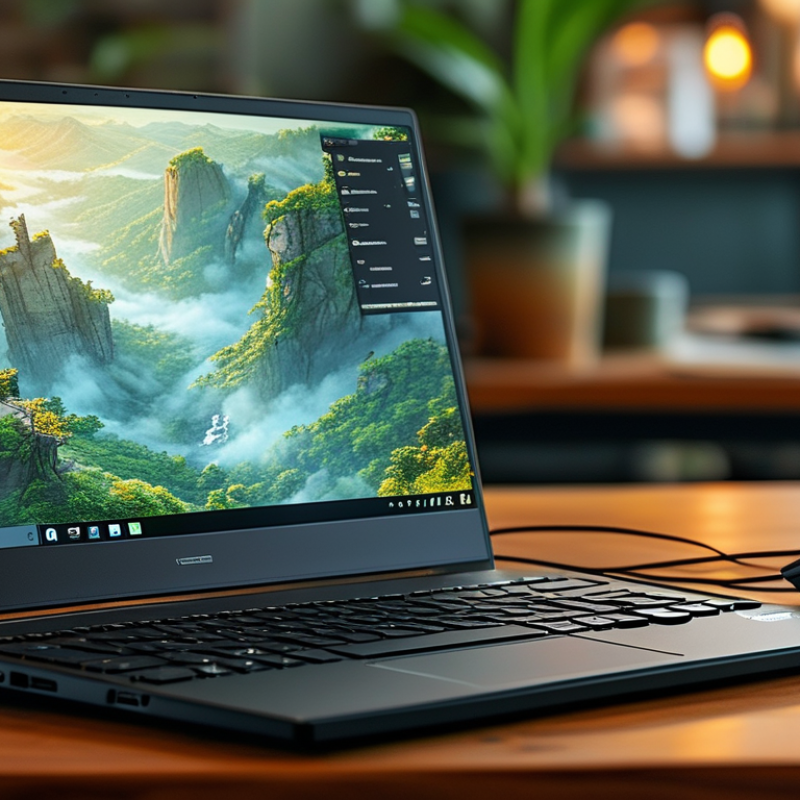
Understanding the Importance of Laptop Heatsinks for Performance
Laptop heatsinks play a crucial role in maintaining optimal performance. When laptops overheat, they can slow down. This leads to reduced efficiency and potential hardware damage. A well-designed heatsink effectively dissipates heat, ensuring that internal components remain cool.
Understanding how heatsinks work helps in choosing the right one. They absorb heat from the CPU and GPU and transfer it to the surrounding air. Materials like copper and aluminum are popular due to their thermal conductivity. An inefficient heatsink can lead to throttling, which affects gaming and multitasking.
Many users overlook heatsink quality. They often assume that stock heatsinks are sufficient. However, upgrades may provide better airflow and cooling. Regular maintenance is also essential. Dust buildup can hinder performance, reducing cooling efficiency. Users must be ready to clean or replace components as needed.
Types of Laptop Heatsinks: Passive vs. Active Cooling Solutions
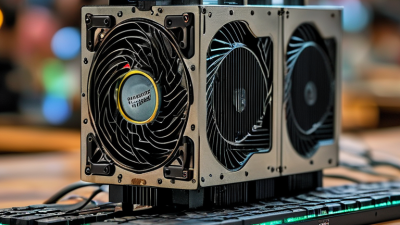
When considering laptop heatsinks, it’s important to understand the differences between passive and active cooling solutions. Passive cooling relies on natural heat dissipation. It typically involves heat spreaders and fins to allow heat to escape. This method is quieter and requires no additional power. However, it may not be sufficient for high-performance laptops. In contrast, active cooling utilizes fans to enhance airflow. This approach is often more effective but can add noise and power drain.
Tips:
Choose a passive heatsink if you value silence. It's ideal for light usage. For gaming or intensive tasks, opt for active cooling. Ensure your laptop has a well-ventilated design. This maximizes cooling efficiency.
Lastly, consider the layout of your laptop’s components. Poorly placed parts can inhibit airflow, leading to overheating. Regular cleaning of vents and fans is a good habit. Dust buildup can drastically impact cooling efficiency.
Best Laptop Heatsink Options for Efficient Cooling Solutions
This chart compares the cooling efficiency of different laptop heatsink types, highlighting the effectiveness of passive, active, and hybrid cooling solutions.
Factors to Consider When Choosing a Laptop Heatsink
When choosing a laptop heatsink, thermal efficiency is key. A well-designed heatsink helps in dissipating heat effectively. According to industry reports, laptops can lose up to 20% performance due to overheating. Thus, selecting the right materials—such as copper or aluminum—can make a significant difference. Copper has superior thermal conductivity while aluminum is lighter and more cost-effective.
Size and shape also matter. A larger heatsink can spread heat over a greater area, which aids in cooling. However, it must fit well within the laptop chassis. A poorly fitted heatsink may not contact the CPU properly, resulting in inadequate cooling. Reports indicate that improper heatsink design can lead to temperature spikes that affect performance stability.
Additionally, consider airflow. A heatsink that obstructs airflow can create hotspots. Efficient cooling solutions require not just a good heatsink but proper ventilation. Any hindrance can increase temperatures, leading to potential hardware failures. Balancing these factors ensures longer laptop lifespan and better performance.
Top Brands and Models for Laptop Heatsinks in 2023
Cooling your laptop properly is crucial for performance. A suitable heatsink can manage heat levels effectively, prolonging your machine's lifespan. The heatsink's efficiency can vary greatly among different models and brands. Advanced materials and design play a significant role in their cooling efficiency. Users often overlook this aspect, but it can lead to significant thermal throttling during intensive tasks.
In 2023, several top brands are leading the market with their unique designs. They utilize copper and aluminum to enhance heat dissipation. Some models even include innovative fans that adjust their speed based on temperature. This intelligent design not only cools better but also reduces noise. However, determining the ideal heatsink can be tricky. Many consumers report confusion over compatibility with their specific laptop models.
While numerous options exist, performance can sometimes fall short of expectations. Users need to carefully assess their usage patterns before making a choice. Looking for reviews and real-user experiences can guide better decisions. A poorly chosen heatsink can result in inadequate cooling, leading to overheating and performance dips. Thus, it's essential to approach the selection process with informed consideration.
Installation Tips and Maintenance for Laptop Heatsinks
When it comes to maintaining your laptop’s performance, effective cooling solutions are crucial. Laptop heatsinks play a vital role in this process. Proper installation can significantly enhance thermal efficiency. A well-installed heatsink can improve heat dissipation by up to 30%, according to a recent study by Tech Research Services. This increase can extend the lifespan of your device and improve overall functionality.
To ensure a successful installation, always clean the thermal paste before applying a new layer. This avoids overheating issues caused by old, degraded paste. Spread a thin layer evenly across the CPU and GPU surfaces. Too much paste can hinder heat transfer. Keep close attention to the fittings; ensuring that all screws are tightened properly can prevent air pockets that may affect cooling.
Regular maintenance is also vital for optimal performance. Dust accumulation can significantly impede airflow. Cleaning your laptop’s vents every few months is recommended. A can of compressed air can effectively dislodge dust without damaging internal components. Monitoring temperatures during heavy usage can help determine if more extensive cooling upgrades might be necessary. This proactive approach can prevent future performance throttling caused by excessive heat.
Best Laptop Heatsink Options for Efficient Cooling Solutions
| Heatsink Type |
Material |
Cooling Efficiency (°C Drop) |
Installation Difficulty |
Maintenance Tips |
| Copper Heatsink |
Copper |
10-20 |
Moderate |
Regular cleaning to remove dust buildup. |
| Aluminum Heatsink |
Aluminum |
8-15 |
Easy |
Check thermal paste condition every 6 months. |
| Heat Pipe Heatsink |
Copper/Aluminum |
15-25 |
Moderate |
Inspect for leaks; replace if damaged. |
| Liquid Cooling Heatsink |
Various |
20-30 |
Advanced |
Regularly check fluid levels and performance. |




 Mr. Perry Wu International Sales Director